Cyberattacks are no longer targeting only large enterprises. Small businesses have become a prime target for cybercriminals because they often lack dedicated security teams and advanced defenses.
A single ransomware attack, phishing email, or compromised password can lead to financial losses, operational downtime, legal issues, and reputational damage.
The good news is that many cyber incidents can be prevented by implementing a few fundamental security practices.
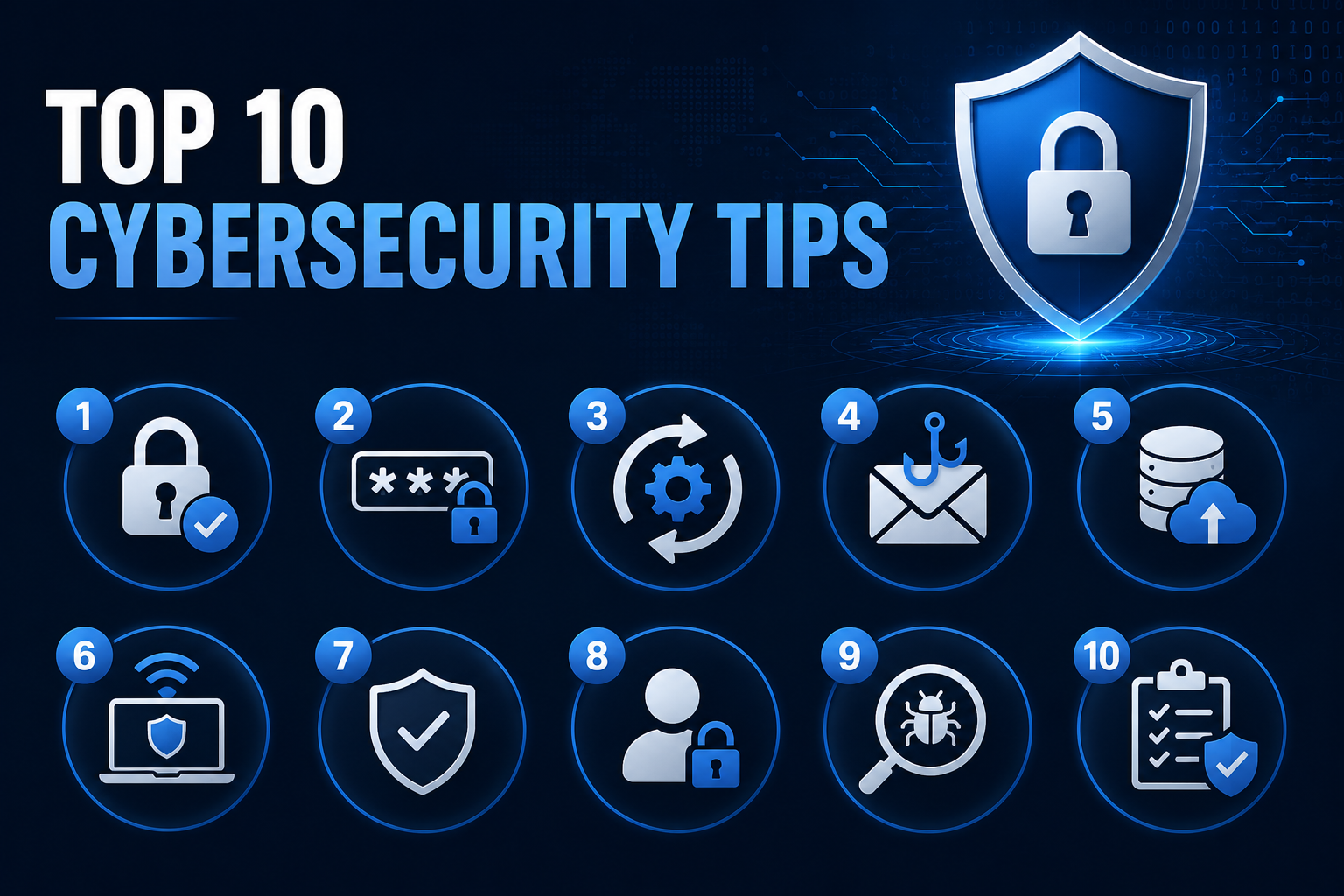
Here are the top 10 cybersecurity tips every small business should follow.
1. Enable Multi-Factor Authentication (MFA)
Passwords alone are no longer enough to protect business accounts.
Enable Multi-Factor Authentication (MFA) on:
- Email accounts
- Cloud services
- Remote access solutions
- Financial platforms
- Administrative accounts
Even if a password is stolen, MFA adds an additional layer of protection that can stop attackers from gaining access.
2. Use Strong and Unique Passwords
Weak or reused passwords remain one of the most common causes of security breaches.
Best practices include:
- Use passwords with at least 12–16 characters
- Avoid predictable words or patterns
- Never reuse passwords across multiple services
- Use a password manager to generate and store credentials securely
Strong password hygiene significantly reduces the risk of account compromise.
3. Keep Software Updated
Cybercriminals frequently exploit known vulnerabilities in outdated software.
Regularly update:
- Operating systems
- Web browsers
- Business applications
- Firewalls
- Routers and network devices
- Security software
Enable automatic updates whenever possible to ensure critical patches are applied quickly.
4. Train Employees to Recognize Phishing Attacks
Human error remains one of the leading causes of cybersecurity incidents.
Provide regular security awareness training covering:
- Phishing emails
- Social engineering attacks
- Fake login pages
- Suspicious attachments
- Business email compromise scams
Educated employees are one of the strongest security defenses a business can have.
5. Back Up Critical Data Regularly
Data backups are essential for recovering from ransomware attacks, hardware failures, and accidental deletion.
Follow the 3-2-1 backup rule:
- Keep 3 copies of data
- Store backups on 2 different media types
- Keep 1 backup offline or offsite
Regularly test backups to ensure they can be restored successfully.
6. Secure Remote Work and Remote Access
Remote work introduces additional security risks.
Protect remote access by:
- Using VPNs
- Enforcing MFA
- Restricting administrative access
- Securing employee devices
- Applying endpoint security solutions
Remote access systems are frequent targets for attackers and should be carefully monitored.
7. Install Endpoint Protection
Modern endpoint protection solutions help detect and block malware, ransomware, and suspicious activity.
Deploy security software across:
- Workstations
- Laptops
- Servers
- Mobile devices
Advanced endpoint protection can provide early detection before a threat spreads throughout the network.
8. Limit User Permissions
Employees should only have access to the systems and data necessary for their job functions.
Apply the principle of least privilege by:
- Removing unnecessary administrator rights
- Separating privileged accounts
- Restricting access to sensitive systems
- Reviewing permissions regularly
Limiting access reduces the potential impact of compromised accounts.
9. Monitor for Data Leaks and Credential Exposure
Leaked credentials are one of the most common initial access vectors used by cybercriminals. Once usernames, passwords, or employee accounts appear in breach databases, stealer logs, or public leaks, attackers can use them for credential stuffing, account takeover, and unauthorized access attempts.
Organizations should continuously monitor for:
- Exposed passwords
- Compromised employee accounts
- Data breach notifications
- Publicly leaked credentials
- Dark web exposure
- Third-party account compromises
To simplify this process, businesses can use Leakwatch by RedSide Security, an exposure intelligence platform designed to help identify leaked credentials and monitor compromised identities in real time.
Leakwatch: https://leakwatch.redside.io
Early detection allows organizations to reset credentials, investigate affected accounts, and reduce risk before attackers can exploit exposed data.
10. Create an Incident Response Plan
Every business should know what to do when a security incident occurs.
An incident response plan should define:
- Who to contact
- How to contain an incident
- Backup and recovery procedures
- Communication processes
- Reporting requirements
Preparation can significantly reduce recovery time and business disruption.
Why Cybersecurity Matters for Small Businesses
Many small businesses assume they are too small to be targeted. In reality, attackers often view smaller organizations as easier targets due to limited security resources.
Cybersecurity is not just an IT issue—it is a business risk management issue.
Investing in basic security controls can help:
- Prevent costly breaches
- Protect customer data
- Maintain business continuity
- Meet compliance requirements
- Preserve customer trust
How RedSide Security Can Help
At RedSide Security, we help organizations identify vulnerabilities, strengthen defenses, and reduce cyber risk through services such as:
- Penetration Testing
- Vulnerability Assessments
- Security Consulting
- Incident Response Support
- Exposure Monitoring
- Security Awareness Training
Proactive cybersecurity measures are far less expensive than recovering from a successful cyberattack.
Final Thoughts
Cyber threats continue to evolve, but many attacks still succeed because basic security controls are missing.
By implementing these ten cybersecurity best practices, small businesses can significantly improve their security posture and reduce the likelihood of becoming the next victim of a cyberattack.
Cybersecurity is not a one-time project—it is an ongoing process of protection, monitoring, and improvement.